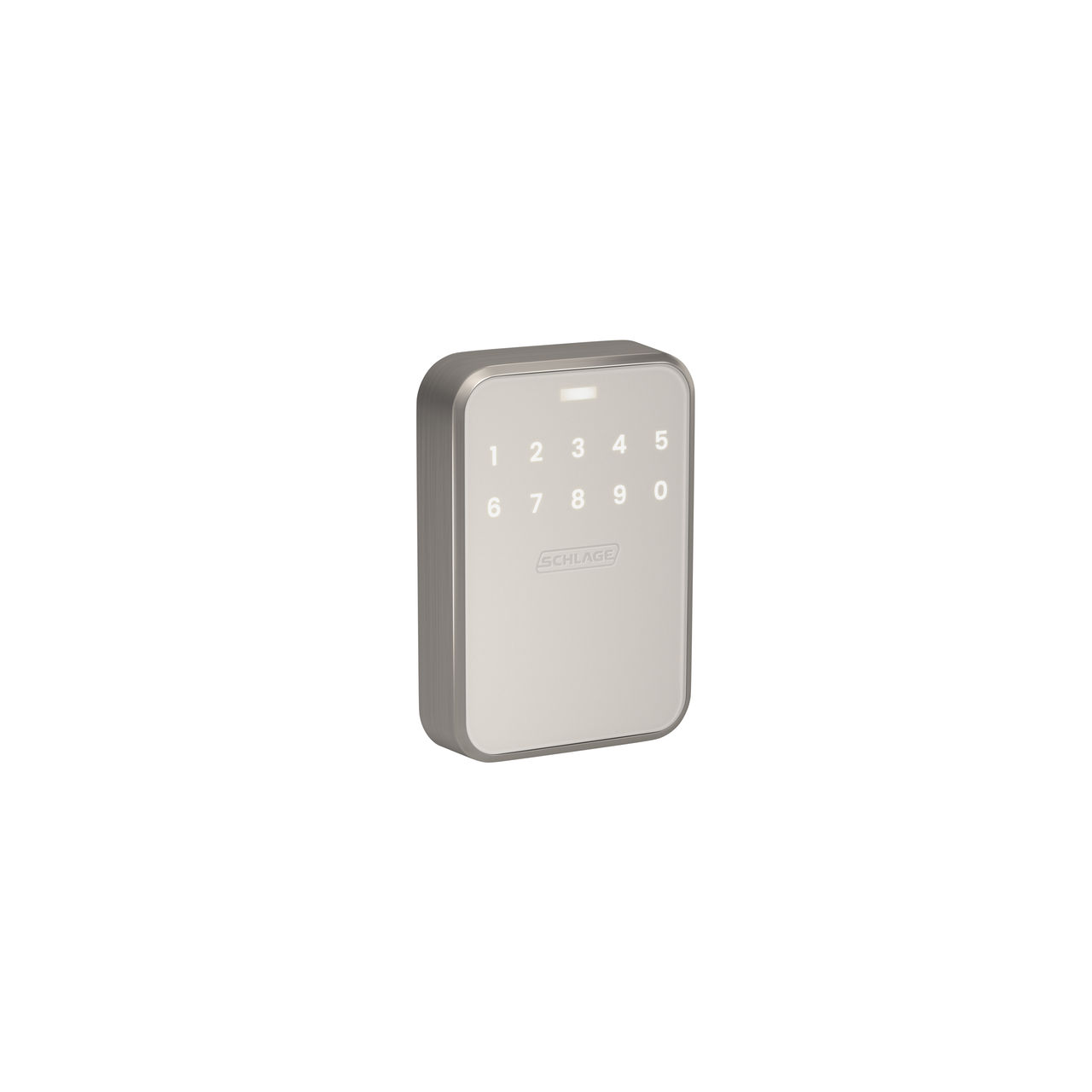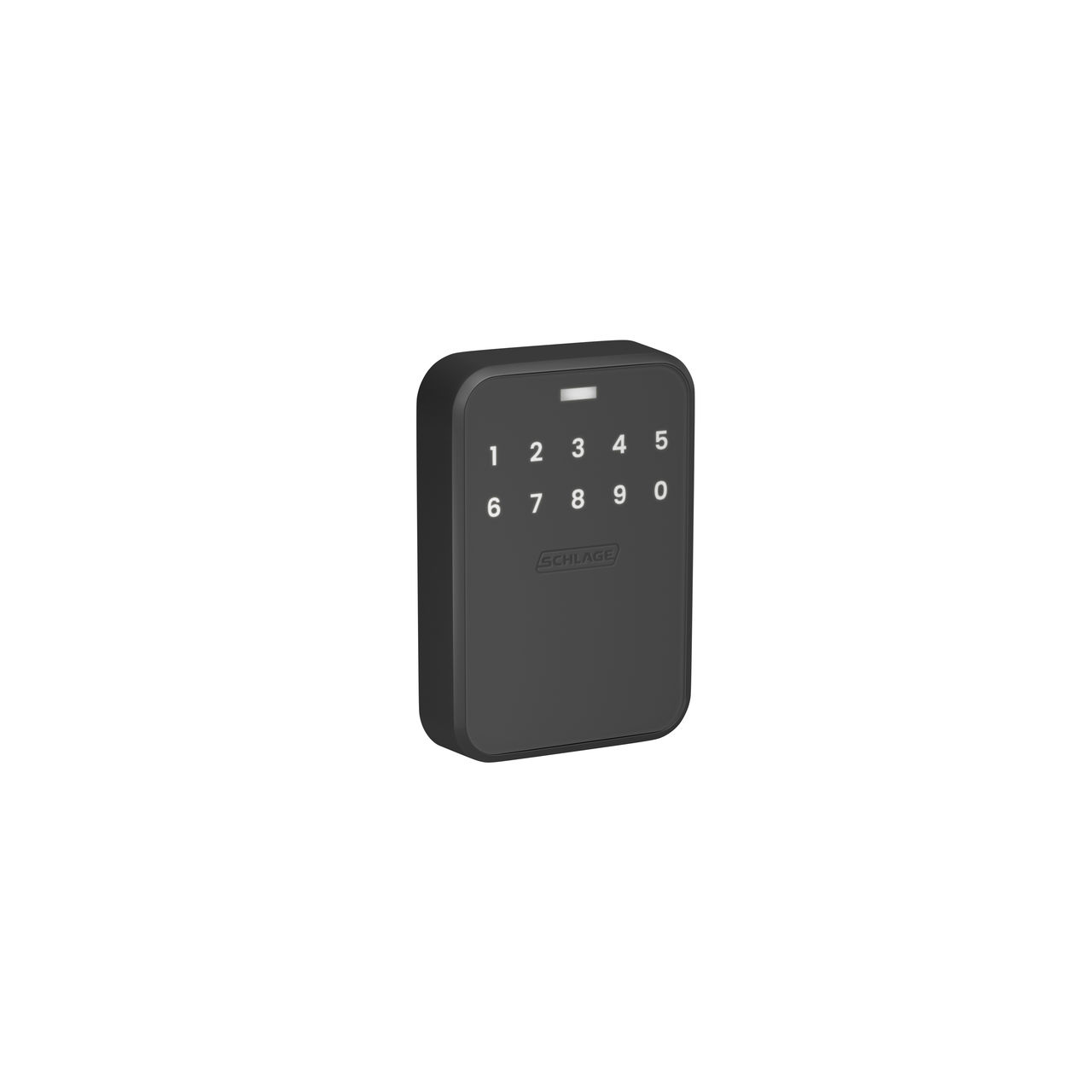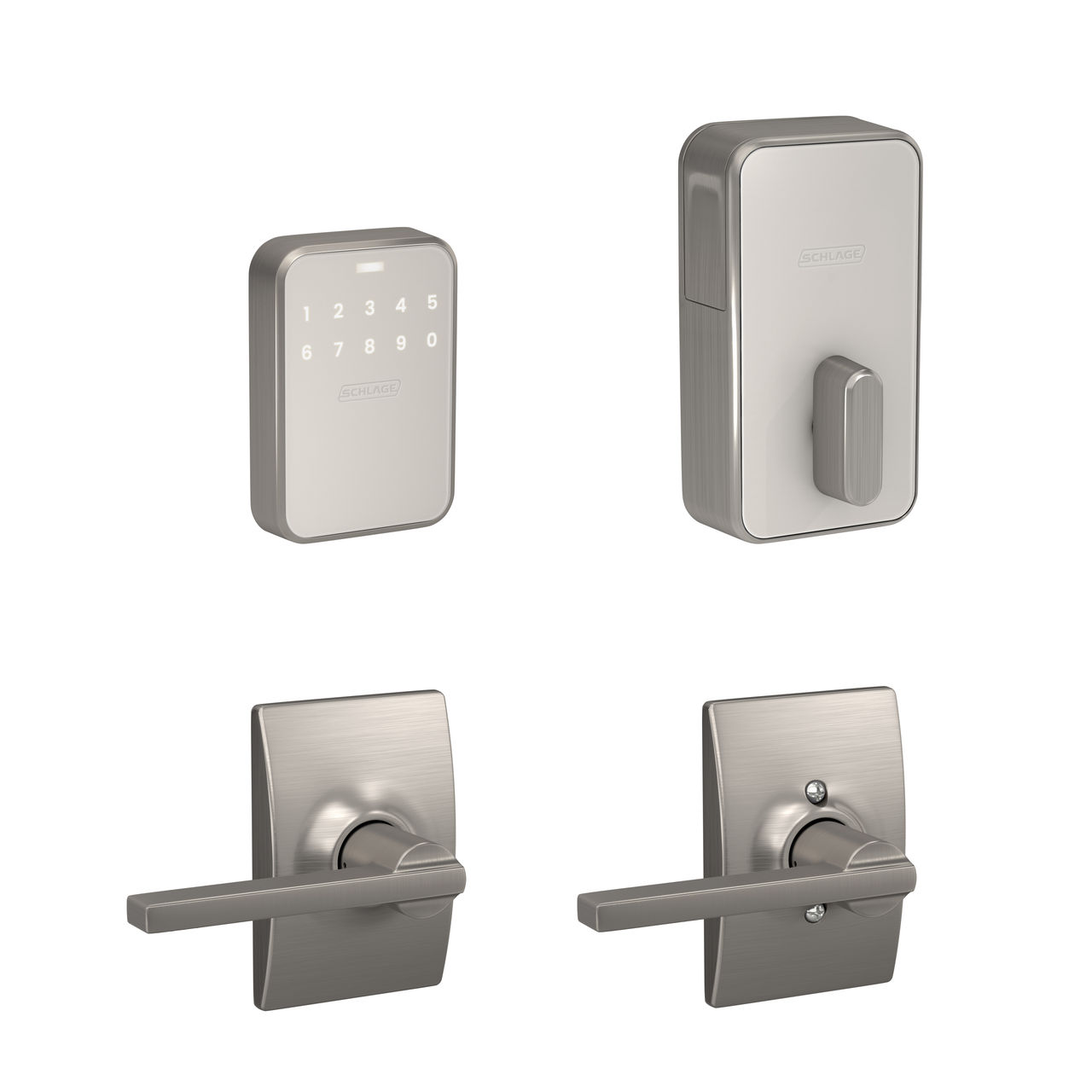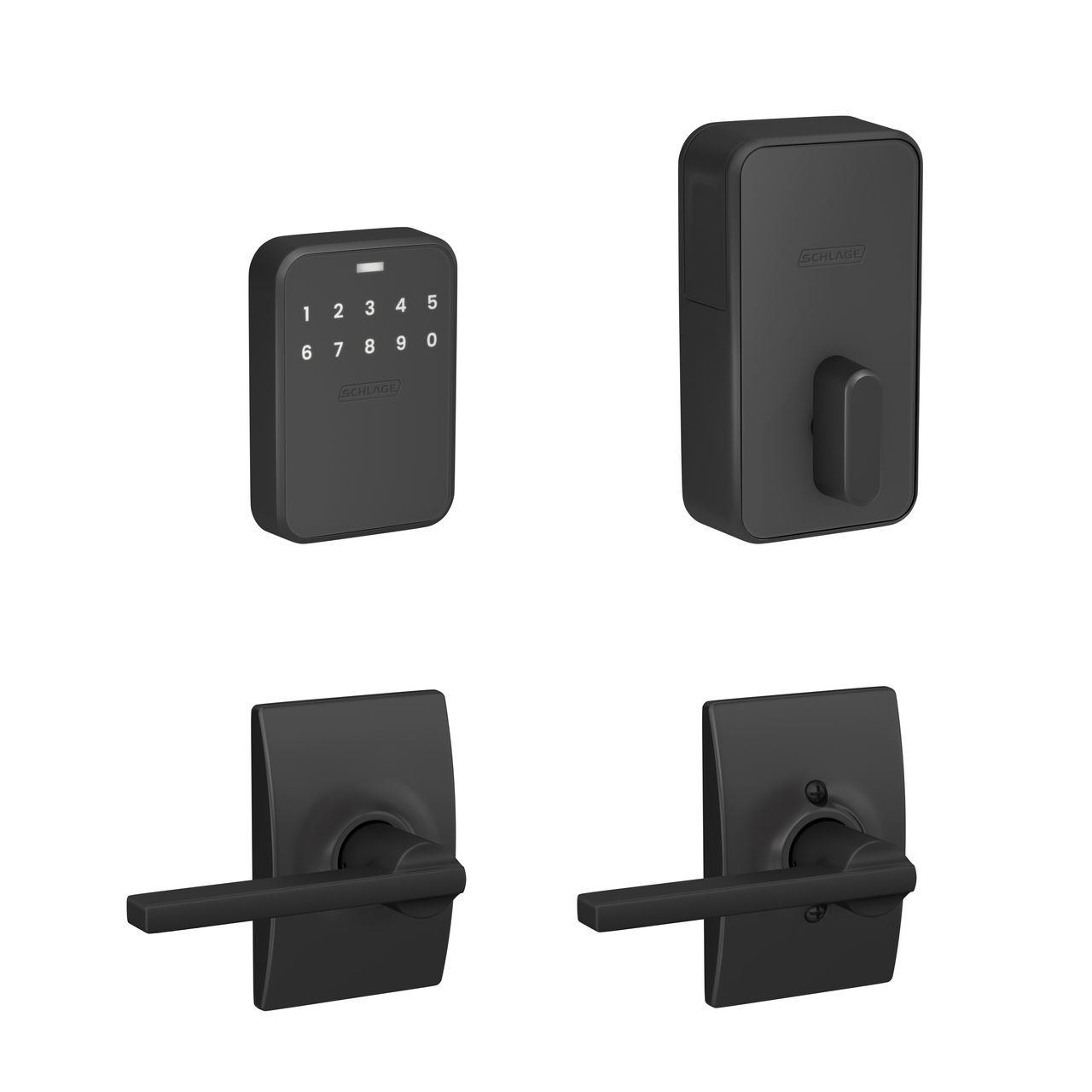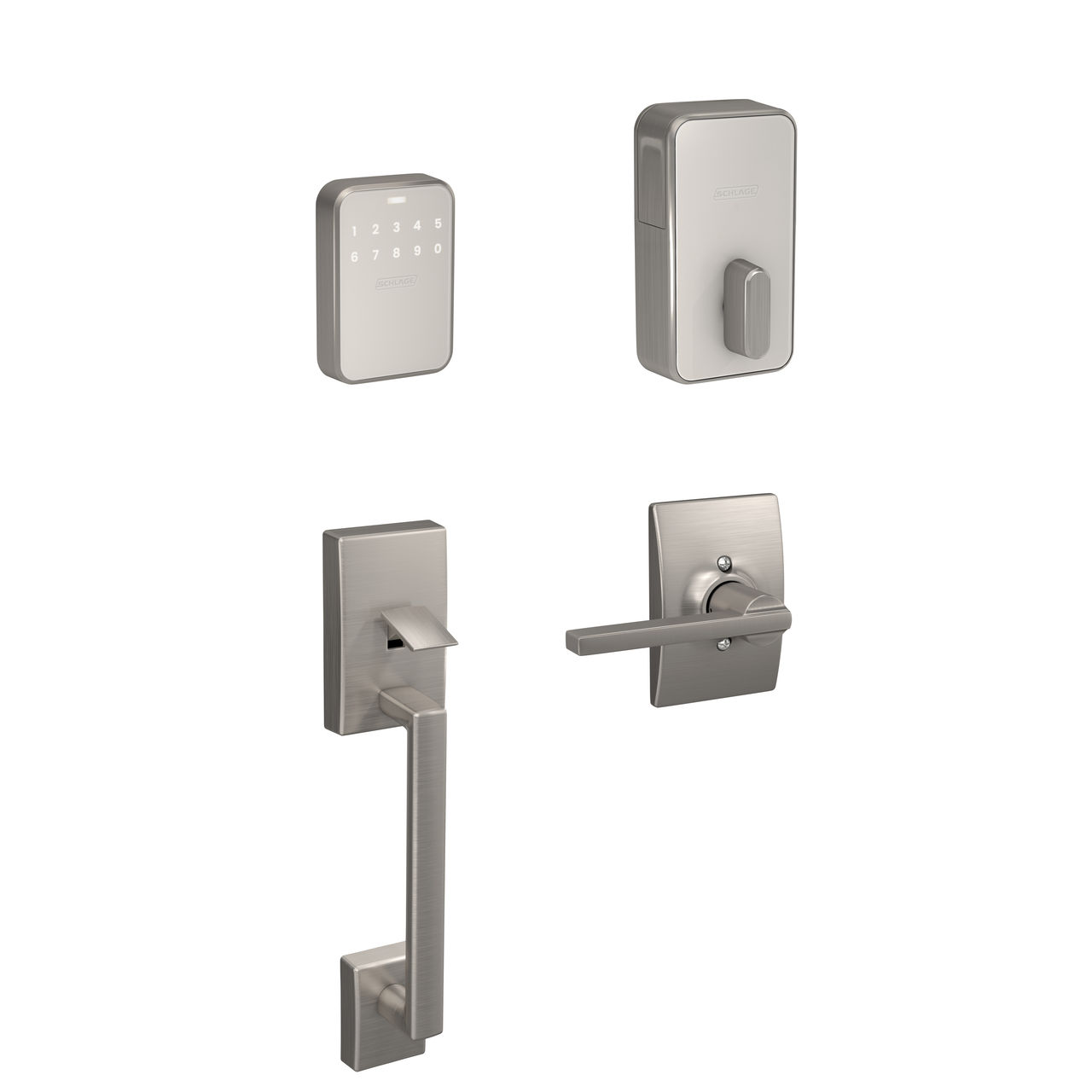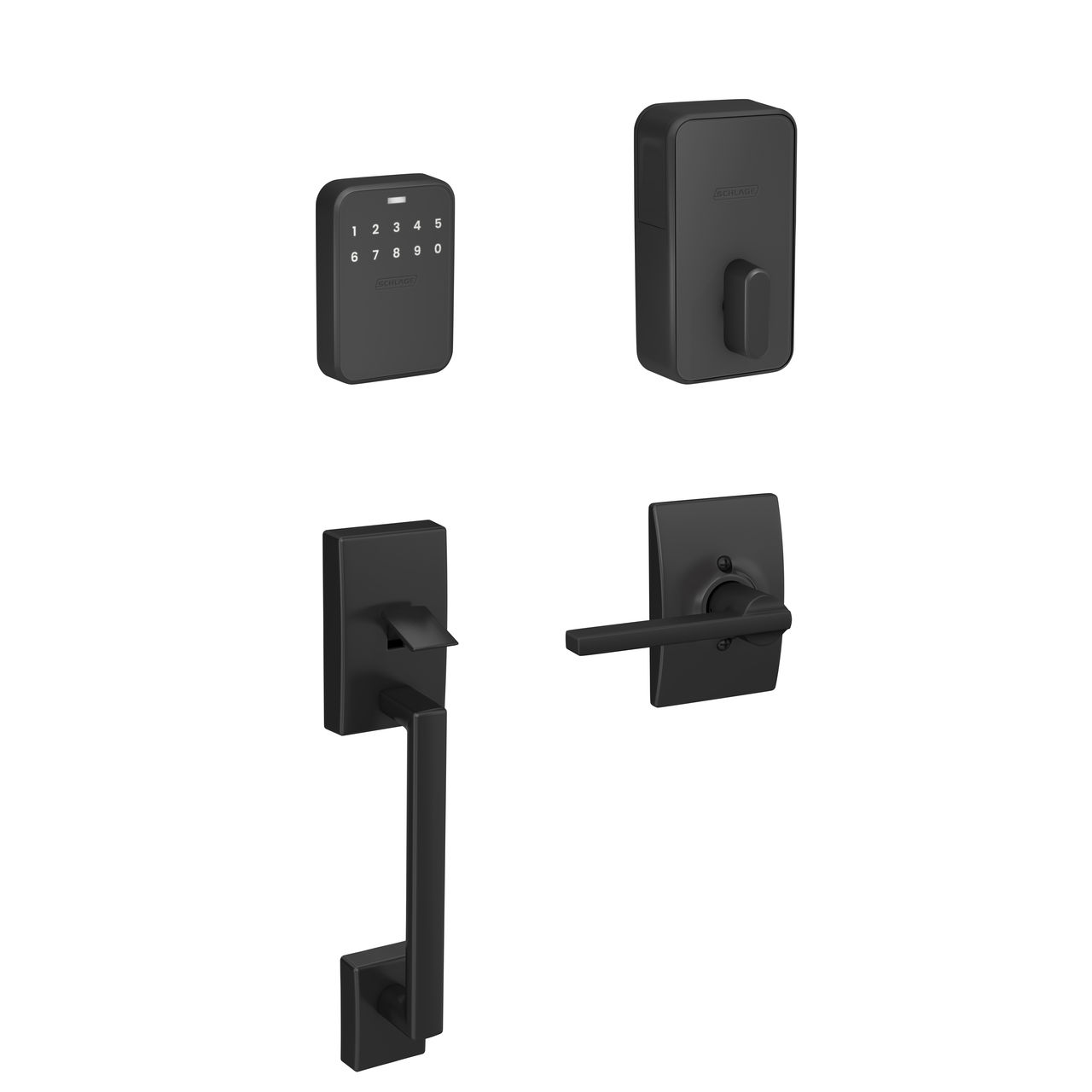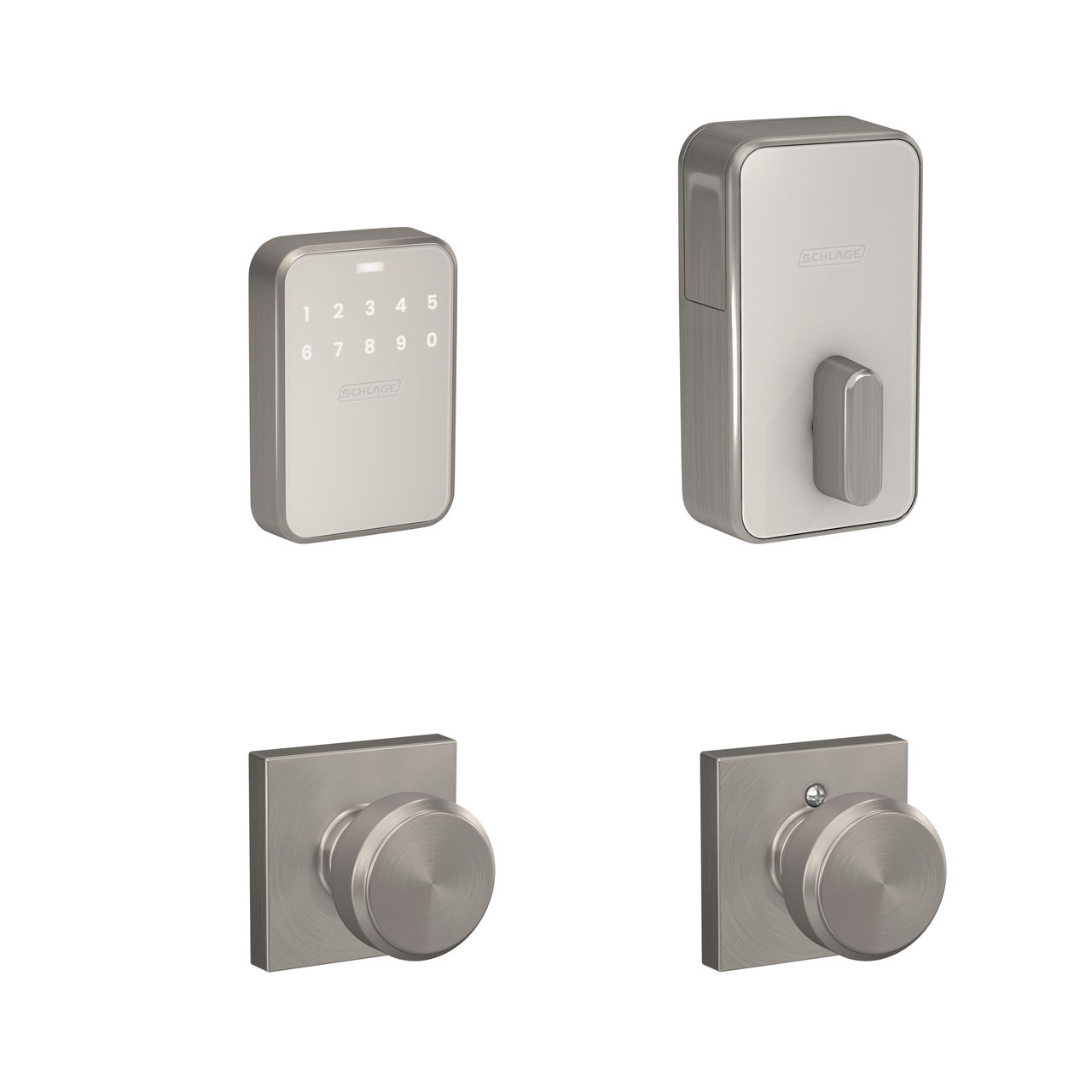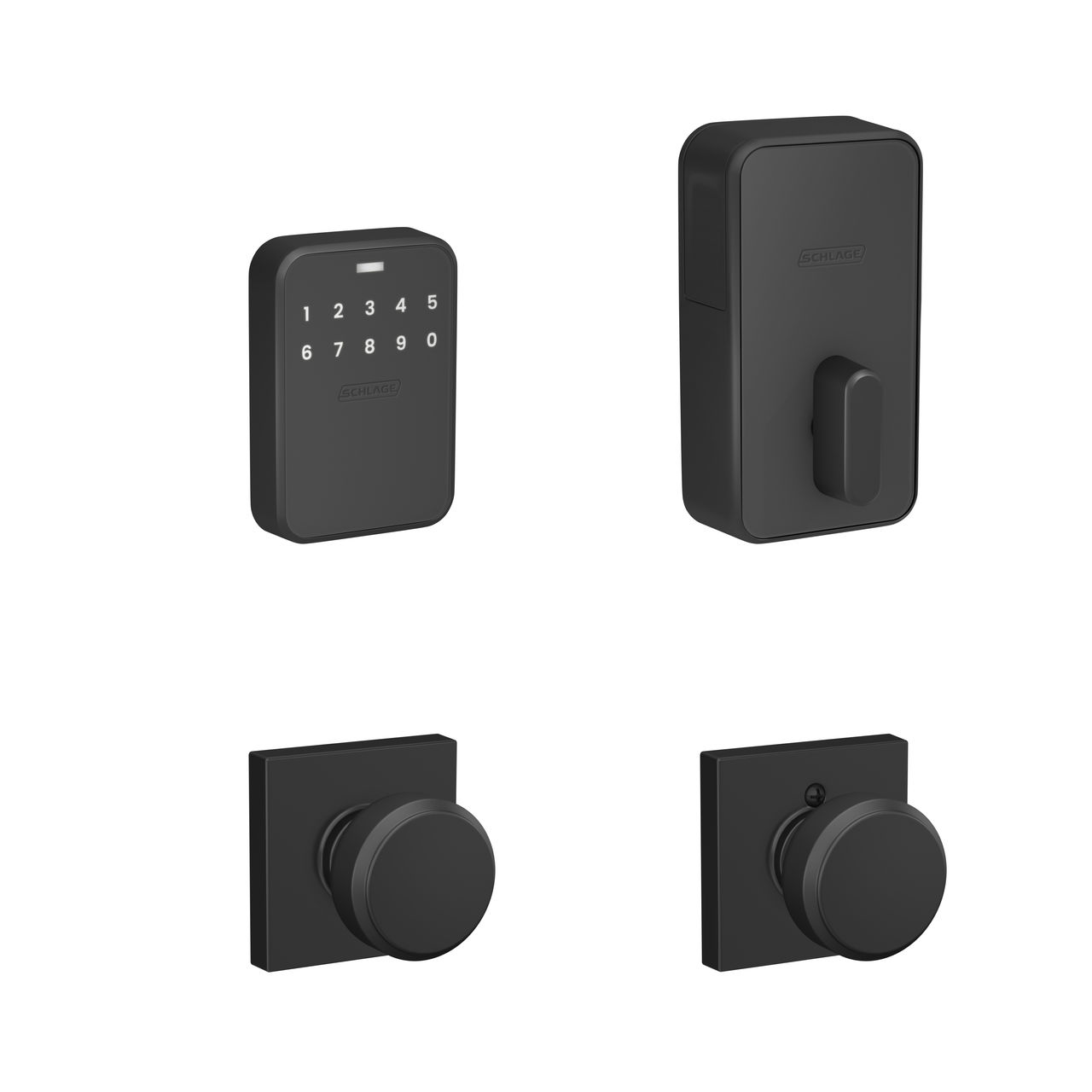
Schlage Sense Pro Ultra Wideband smart lock

Schlage Sense Pro™: Frequently Asked Questions

The Schlage Sense Pro™ Smart Deadbolt features advanced technologies to deliver hands-free unlocking you can trust. Below, we’ve rounded up quick answers to common questions about Sense Pro.
  1. Does Sense Pro have a keypad?

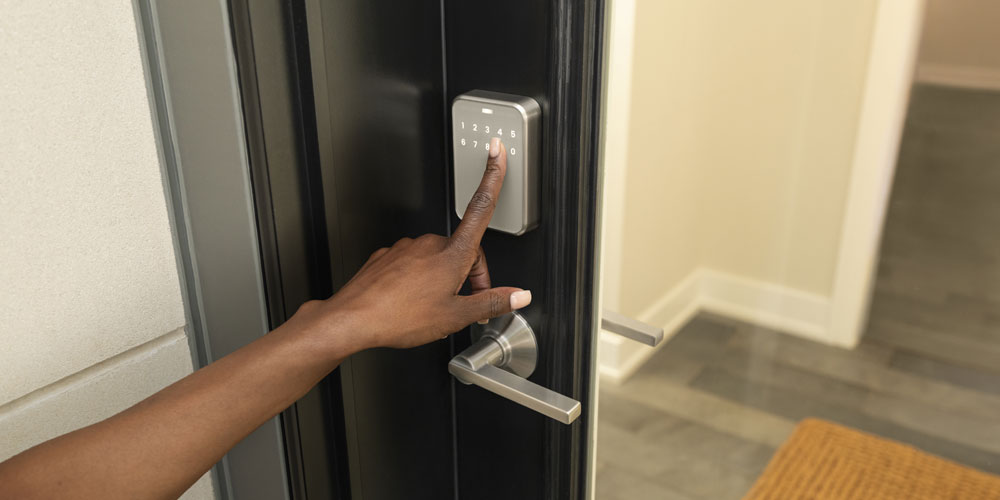
    Yes – simply touch to wake your locked Sense Pro and the keypad will light up for easy code entry.
  2. How does Schlage Converge with UWB react to different speeds of approach?

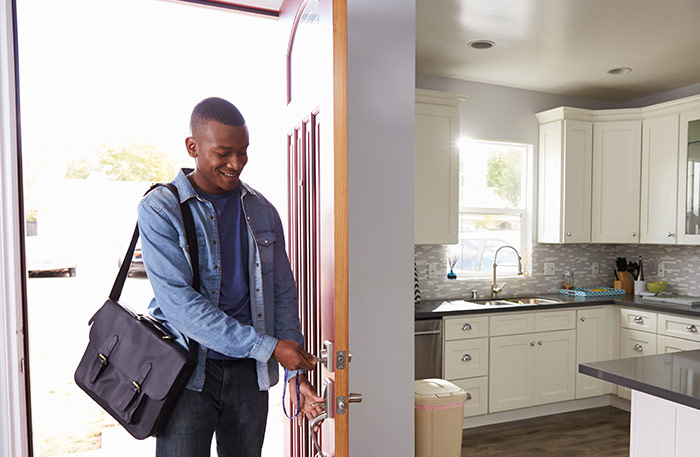
    Schlage Converge uses your speed to unlock precisely as you reach your door. The slower you approach, the slower your Sense Pro will unlock, but when you approach the door quickly, Sense Pro will unlock faster.
  1. Does Sense Pro have a keyway? Without a keyway, how do I unlock my door if the batteries go out?

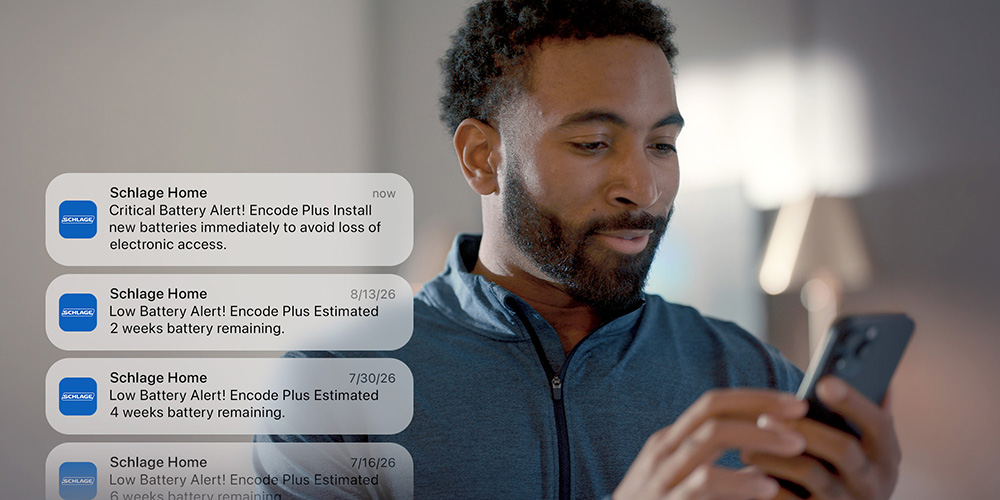
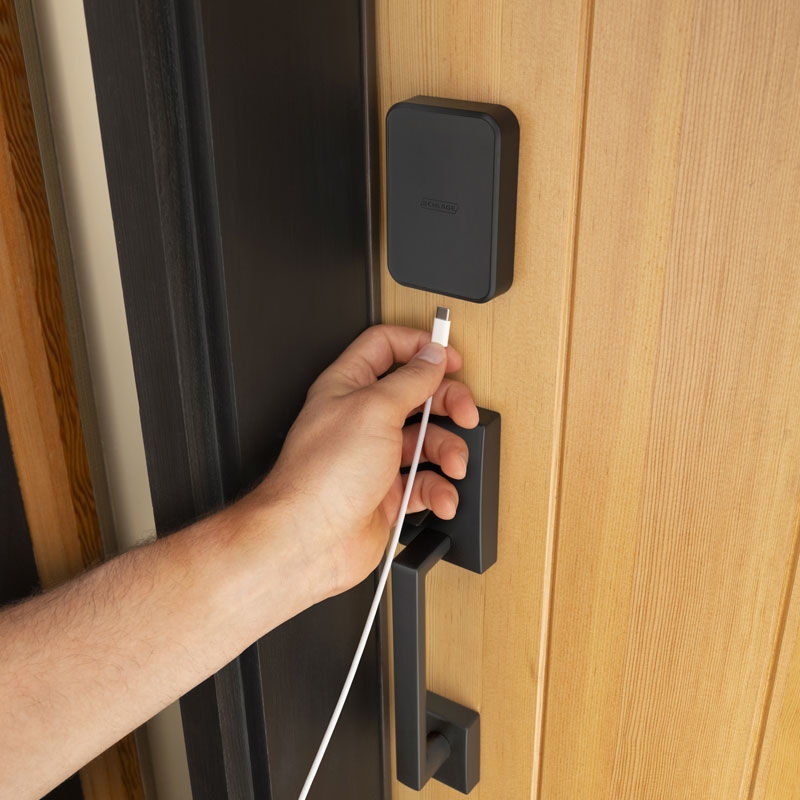
    Sense Pro features no keyway to bump or pick. Sense Pro includes advance low-battery warnings in the Schlage Home app, as well as low battery indication with a flashing red light and audible signal from the lock itself. If the lock’s batteries were to run out, Sense Pro includes a built in USB-C jumpstart port for temporary power backup.
Sense Pro includes a built in USB-C jumpstart port for temporary power backup
  1. Does Sense Pro use batteries?

    Yes – Sense Pro comes with four AA batteries included. Because Sense Pro is battery powered, in the event of a power or WiFi outage, hands-free unlocking, Schlage Home app access via Bluetooth and key code access are all still active. With standard usage, Sense Pro has up to six months of battery life.
  2. Does Sense Pro require a hub for hands-free unlocking?

    Yes – hands-free unlocking with Apple home keys requires a Thread-enabled home hub such as Apple TV 4K (2nd generation), Apple TV 4K (3rd generation) Wi-Fi + Ethernet, HomePod (2nd generation) or HomePod mini running the latest software.
  3. How many codes can Sense Pro store?

    Create and manage up to 250 custom access codes within the Schlage Home app for convenient keypad code entry – perfect for trusted friends and family.
  4. Does Sense Pro have auto locking?

    Yes - within the Schlage Home app, turn on auto-locking and select your preferred time delay option ranging from 15 seconds to 5 minutes. Within the Schlage Home app, you can also manage scheduled locking to fit your home routines. For easy locking when you’re on your way out, simply touch the center of the light bar on your Sense Pro keypad for convenient one-touch locking.
  5. What is the security grading of the Sense Pro Smart Deadbolt?

    Sense Pro is backed by a BAA rating in security, durability and finish from the BHMA; ANSI Grade 2
  6. Does UWB still work if the power or WiFi goes out?

    Yes - in the event of a power or WiFi outage, hands-free unlocking, Schlage Home app access via Bluetooth and key code access are all still active.
  7. Does Sense Pro feature Geofencing?

    No – Unlike geofencing or proximity-only technologies, Schlage Converge™ technology with UWB gives Sense Pro the unique ability to intuitively unlock only when you’re at your door and ready to enter, offering a smarter hands-free unlocking experience.
  8. How do I make sure my Sense Pro is always up to date and running optimally?

    For optimal Sense Pro performance, ensure your iPhone and/or Apple Watch, Apple home hub, and Sense Pro lock are always running the latest software and firmware.

    For Sense Pro, enable automatic updates to keep your lock’s firmware up to date by turning on automatic updates in either the Schlage Home app or Apple Home app. This ensures you receive the latest security and feature enhancements.

  9. Which hands-free unlock settings should I choose for my home and lifestyle?

    Sense Pro offers three hands-free entrance modes within the Schlage Home app to suit your security access preferences:
    • Touch Mode: Requires physically touching the lock’s touchpad to unlock, adding an extra layer of intent.
    • Delay Mode: Introduces a verification delay while standing at the door, providing additional time to confirm access.
    • Intuitive Mode: Automatically unlocks when you approach the door, offering maximum convenience.
    Before selecting an access mode, evaluate your home and security needs. Sense Pro is designed for use on residential exterior doors. We encourage you to consider your home’s layout, entryway configuration, and personal security requirements when choosing settings—especially when using features like Apple Unlock on Approach and Intuitive Mode—to ensure they align with your comfort and safety preferences.

    Within Apple Home app settings, you can configure approach directions and manage the unlock on approach feature.

    • Configure Approach Directions: Be mindful of your home’s layout and shape. Use the Apple Home app to optimize the approach directions for your lock.
    • Manage Unlock on Approach Feature: The overall “Unlock on Approach” feature can be enabled or disabled in Apple Wallet. If disabled, you can use tap-to-unlock instead, which requires manual interaction.
  10. Is there anything I should do to prep my smart home before installing and pairing Sense Pro?

    For a smooth pairing experience, check the following before getting started:
    • Confirm Apple Home Hub requirements are met: Apple TV 4K (2nd generation), Apple TV 4K (3rd generation) Wi-Fi + Ethernet, Home Pod 2nd Generation, or a Home Pod Mini.
    • Ensure the latest software is running on your home hub and latest iOS on your iPhone/Apple Watch
    • For app pairing, verify that your home hub, iPhone/Apple Watch, and Sense Pro are all on the same WiFi network. Sense Pro supports 2.4GHz WiFi networks.
    • For quick reference, here is the Sense Pro digital user guide, which includes interactive instructions for easy installation and pairing instructions for step-by-step app pairing.

Interested in learning more about Sense Pro? Visit the Schlage Sense Pro overview page for general information and the Sense Pro technologies page for in-depth descriptions of Sense Pro’s cutting-edge technologies.

Ready to shop? Sense Pro is available to purchase directly from Schlage.com and other participating retailers.

Related Articles