Home Security
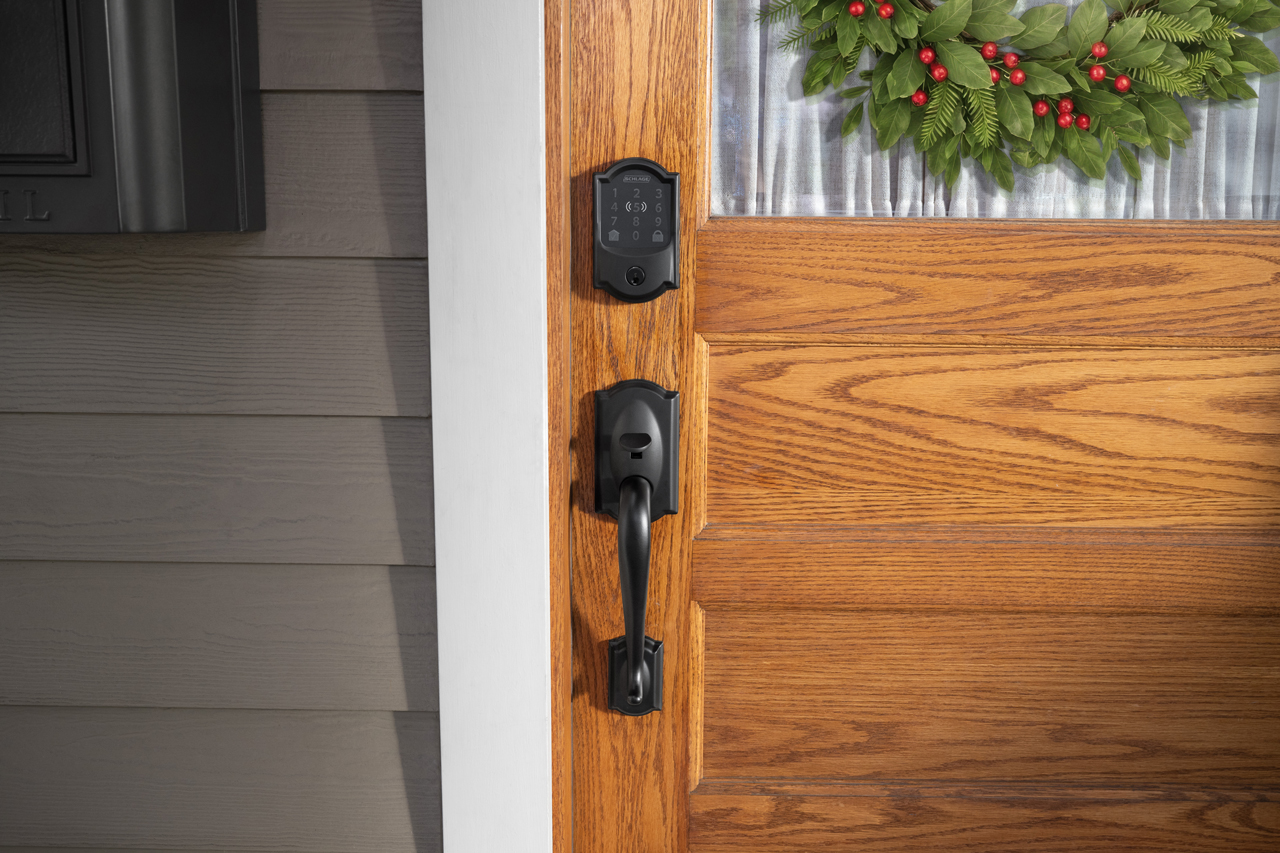
Whether you’re headed out of town to visit loved ones, hosting guests, or enjoying a slower holiday season at home, make sure you are using these Schlage smart lock features to maximize your home security and peace of mind.
Your Schlage smart lock works with select home security systems and products, giving you multiple layers of security and remote management. From Alarm.com to Ring, browse our Works With page to learn which smart security integrations are available for your Schlage smart lock.
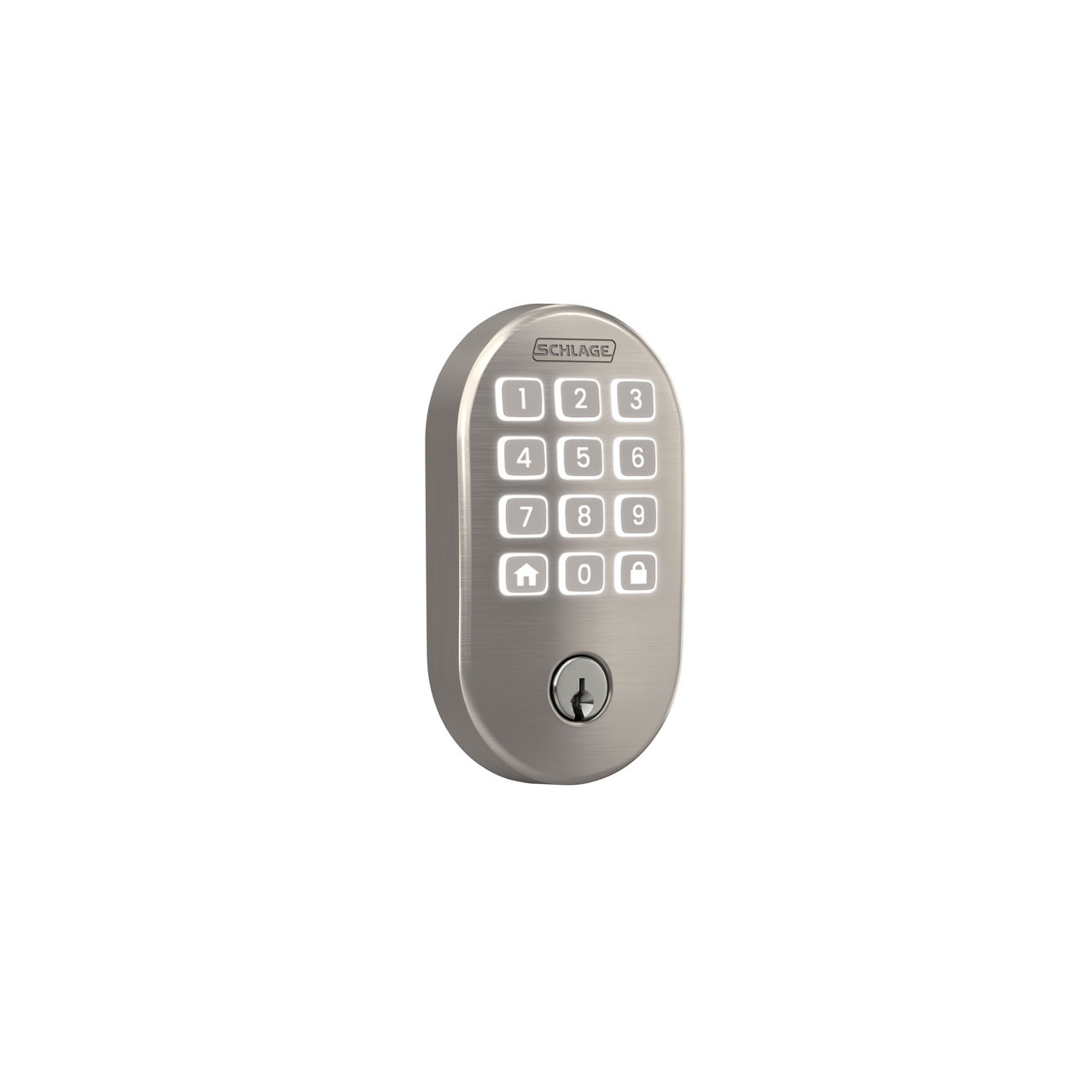
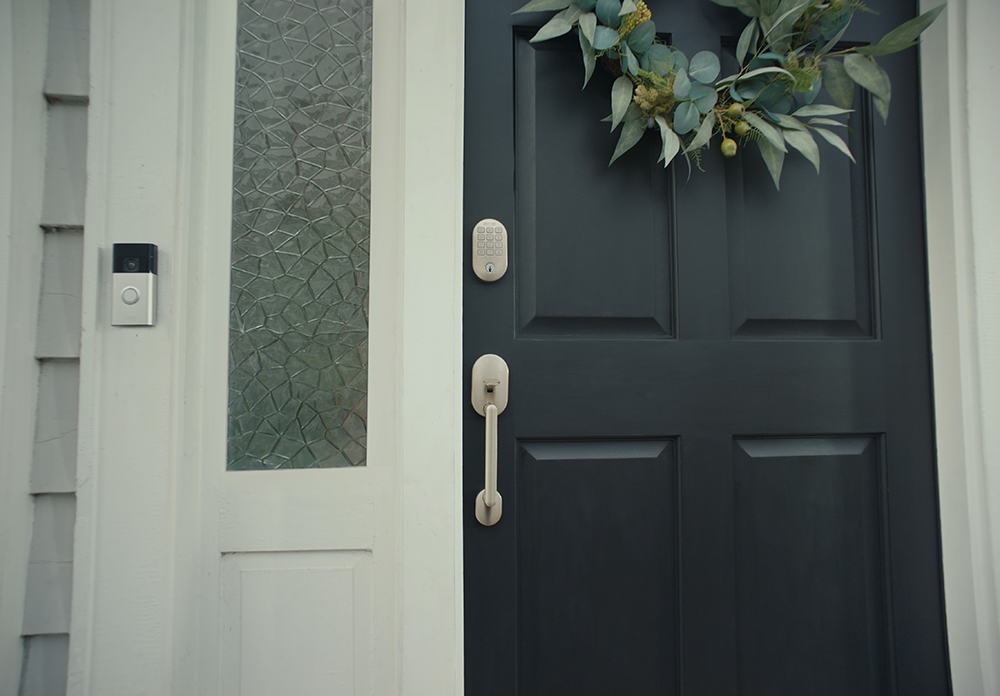 Schlage Arrive™ Smart WiFi Deadbolt with Remsen trim in Satin Nickel, paired with a Ring Video Doorbell.
Once paired with your preferred smart home ecosystem, you can create routines where a single event or voice command can trigger a series of actions. For example, you could create a routine so that when you unlock your side garage door, the smart lights in your mud room turn on, the perfect song starts playing on your smart speakers, and your smart thermostat adjusts to your ideal temperature. With Google Assistant and Amazon Alexa, you can even use voice commands to trigger automated routines. Looking to control your lock with Siri? The Schlage Encode Plus can be included in your Apple smart home scenes – learn more.
When you want to give trusted guests easy home access and yourself peace of mind, you have the option to grant either unique access codes or virtual keys.
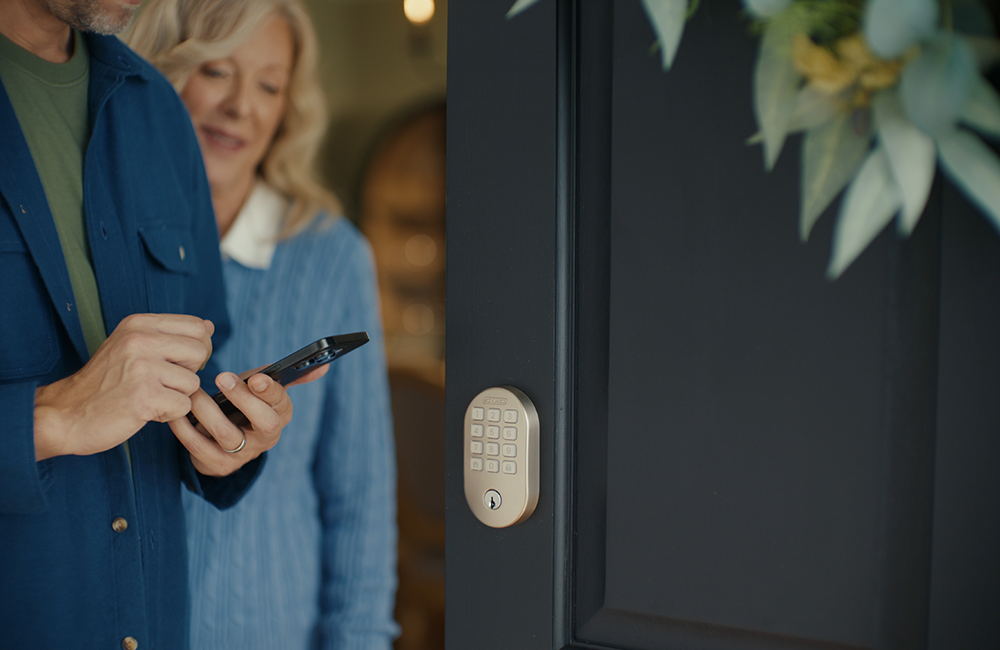
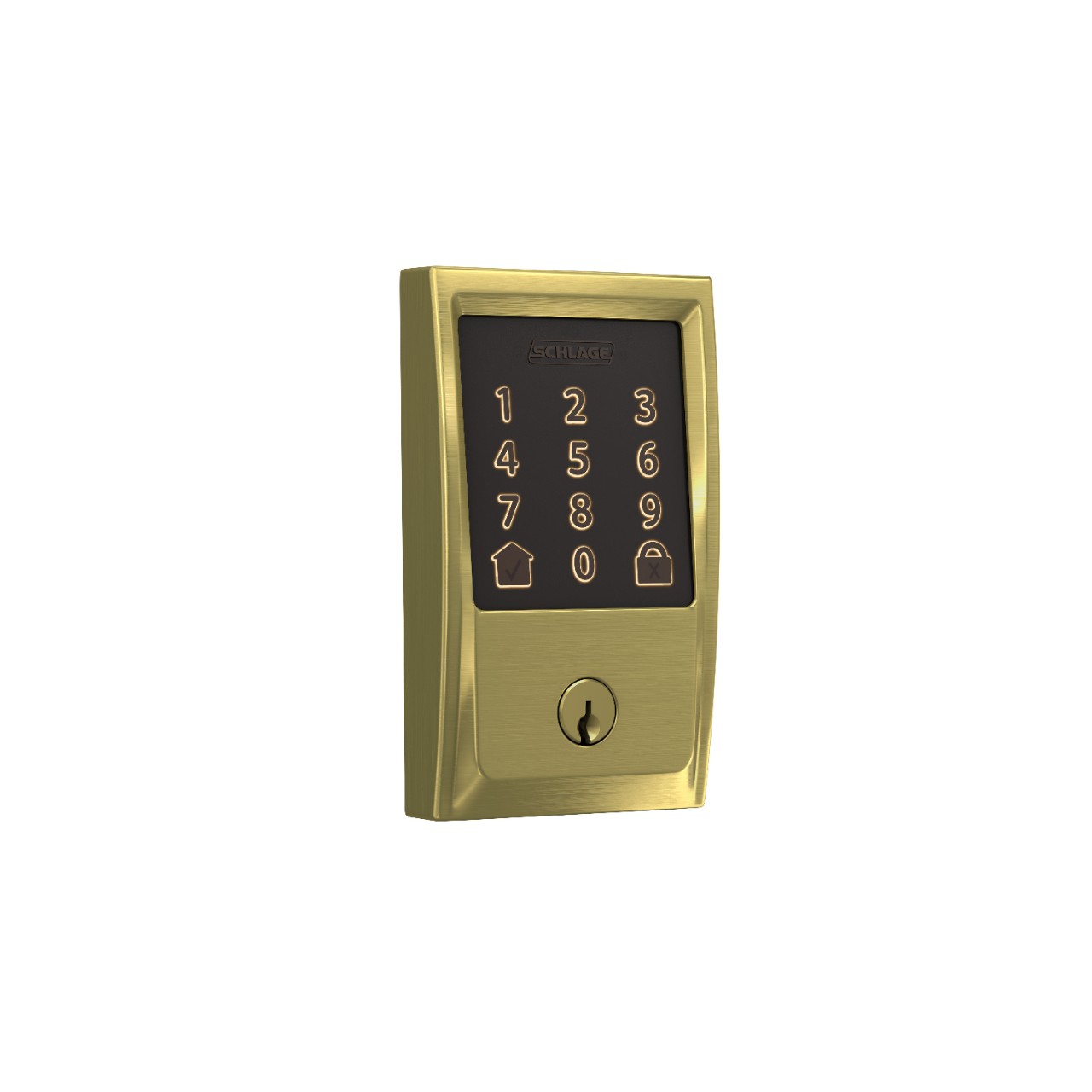
Access codes are the perfect option for short-term guests – family members coming in to celebrate the holidays or your pet sitter who will be over a few times a day while you are out of town for the week. You can create a unique temporary access code for your guest to enter at the lock that will only be active during the time window you set. You can also choose to be notified when the code is used, which is an easy way to have visibility to who is coming and going and when.
Virtual Keys are a great option for long-term guests or trusted friends and family who you want to be able to access your home indefinitely – such as your family member who lives in town and checks on your home when you’re away. When you grant a virtual key, your guest will be able to lock and unlock from the Schlage Home app. You also have the option to grant Admin access, which would enable them to complete all functions in the Schlage Home app except deleting the lock. In your lock’s Manage Access settings, it is simple to add, change, or delete virtual keys at any time.
You can easily set your Schlage smart lock to automatically lock behind you, setting the time delay to your preference. Auto-lock is a particularly helpful feature to turn on when you are out of your normal schedule during the holidays, giving you one less thing to remember when you’re headed out the door.
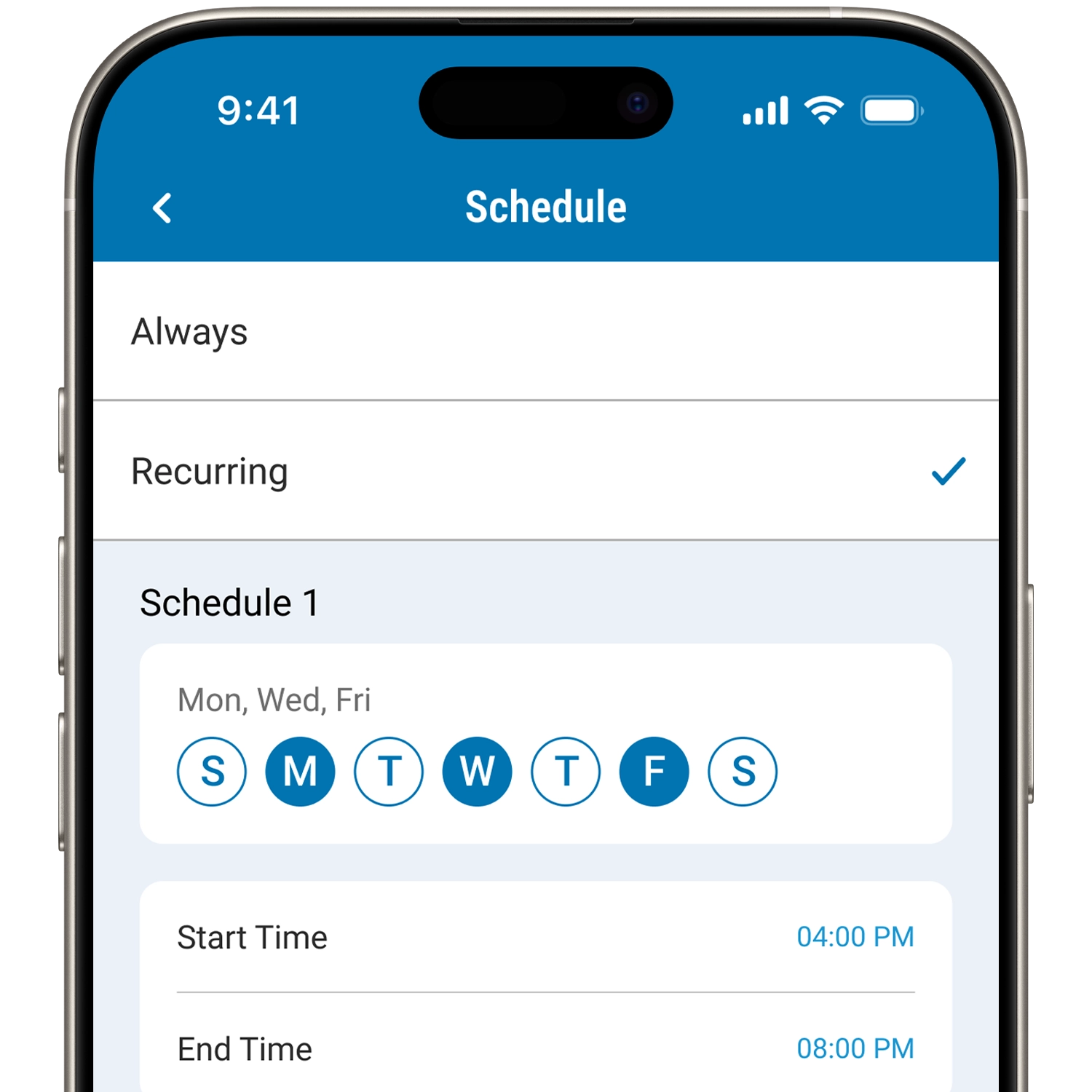
Another set-it-and-forget-it feature that helps keep your home secure is scheduled locking. Within your lock settings in the Schlage Home app, you can turn on scheduled locking for specific days and time of day. So, if you have lots of people coming and going and don’t want to have to remember to lock the door at night, simply schedule locking for 10pm or whenever you know everyone will be in for the night. Scheduled locking helps minimize the risk of forgetting to lock your door, especially if you have guests staying with you or are off your normal routine.
While you can always check the history log to see whose code was entered and at what time, setting up customized notifications is a smart way to get alerted in the moment. In your lock settings, you can select which codes you’d like notifications for, making it easy to know when your child arrives home from their holiday party or when the dog sitter leaves for the night.
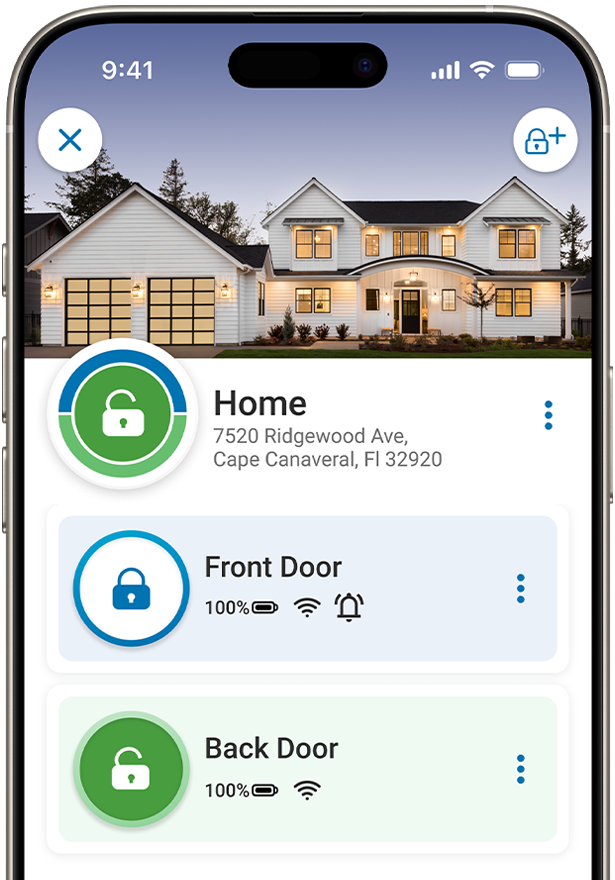
It’s important to keep an eye on your battery life year-round, but especially when you are planning to be out of town. Simply check the Schlage app to see your current battery percentage. We recommend installing new batteries before your lock hits 20% battery life.
We hope you found a tip or two that helps you maximize the value of your Schlage smart lock for a safe and secure holiday season. Learn more about the Schlage Home app or browse the Schlage blog for more home security, technology, and DIY ideas. Happy Holidays from Schlage!
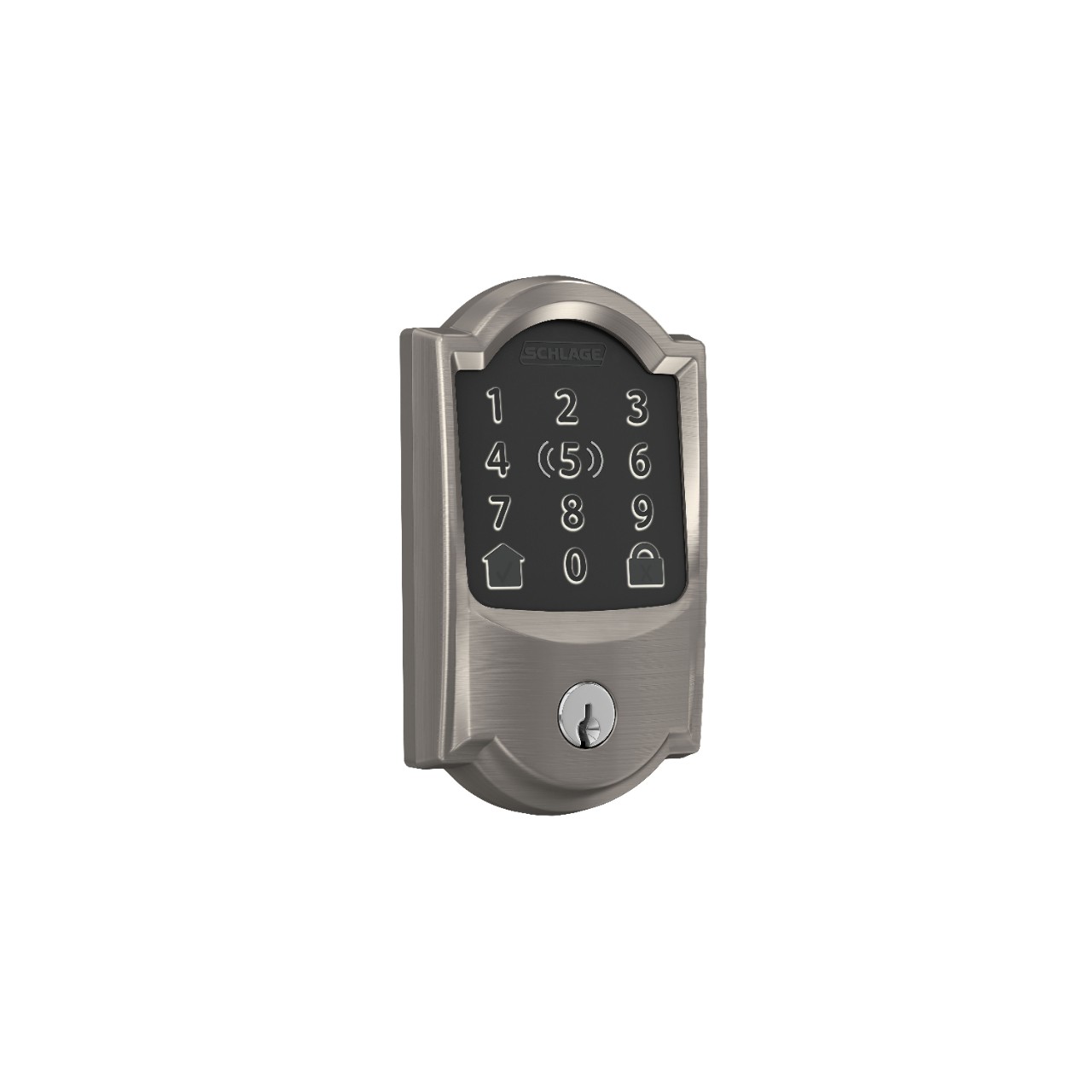
From $329
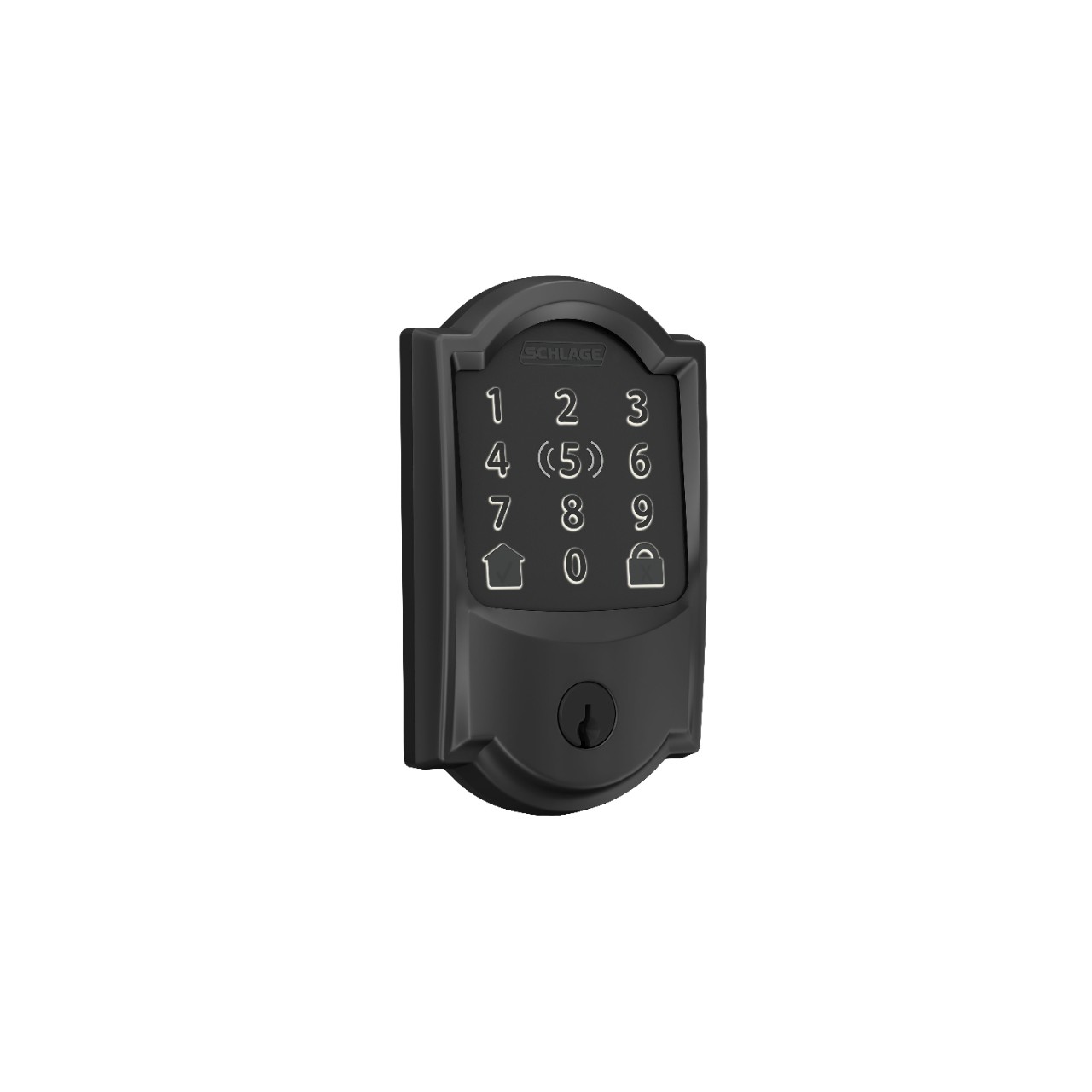
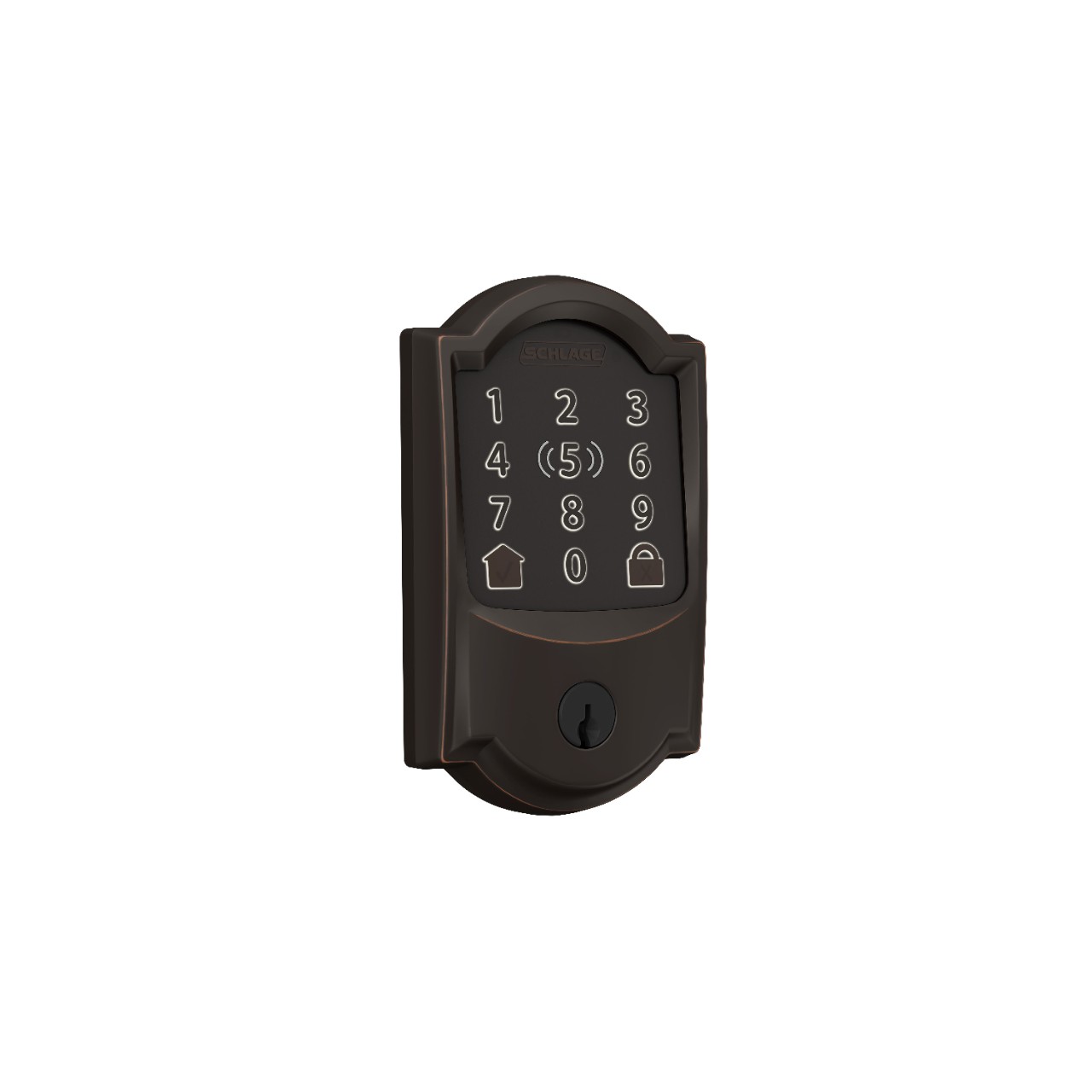
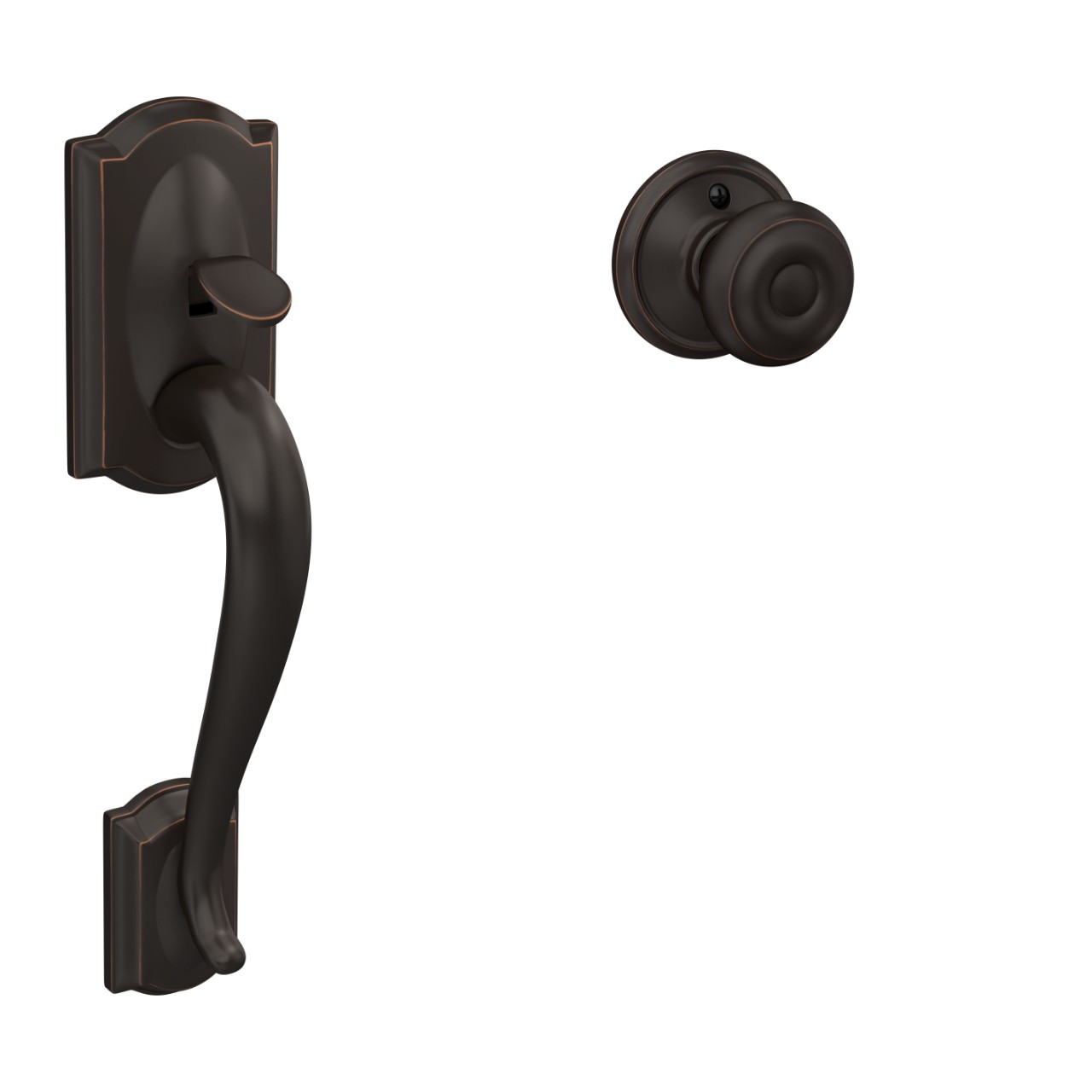
Camelot TRIM
From $109.00
From $109.00
Remsen TRIM
From $199.00
From $199.00

From $135.99
From $299
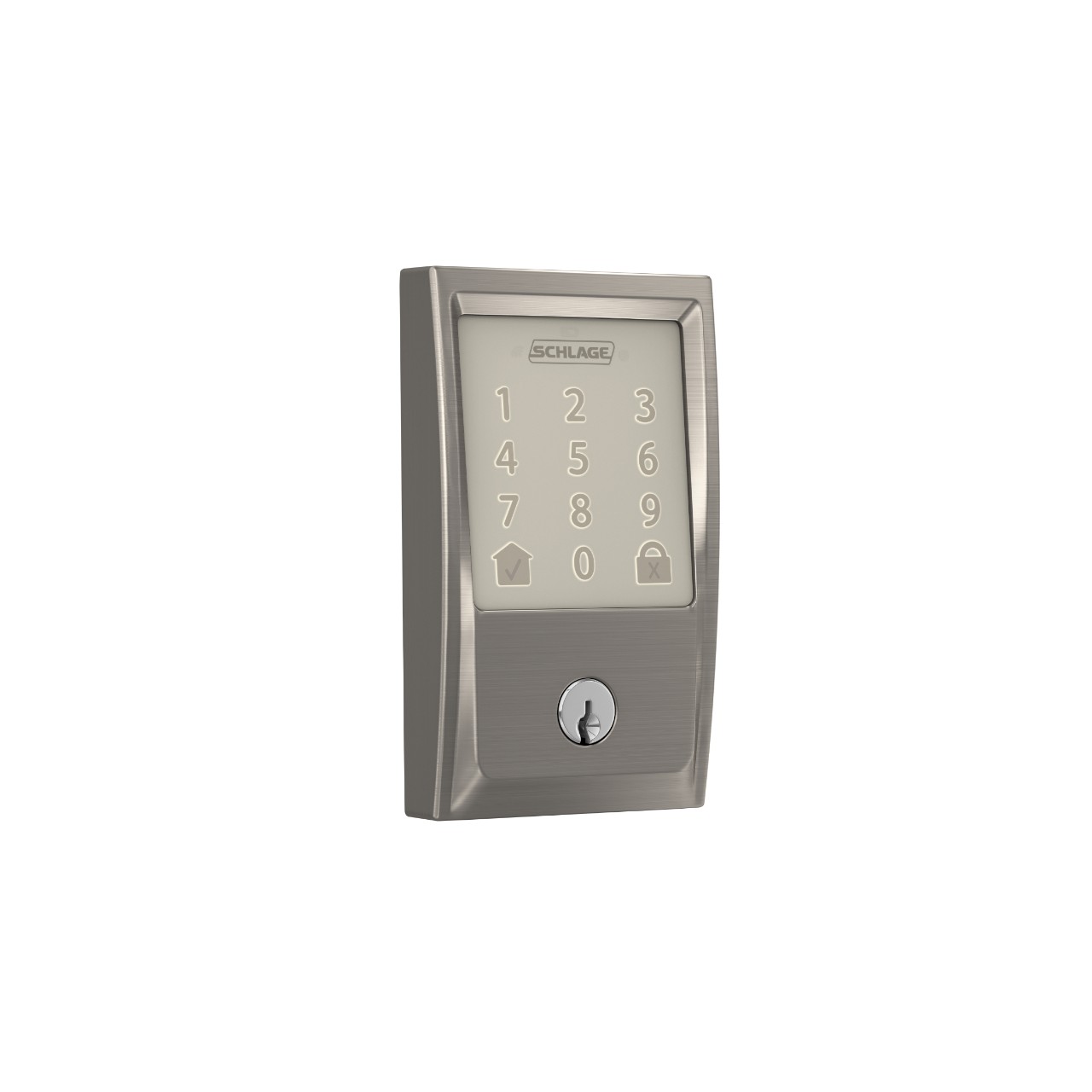
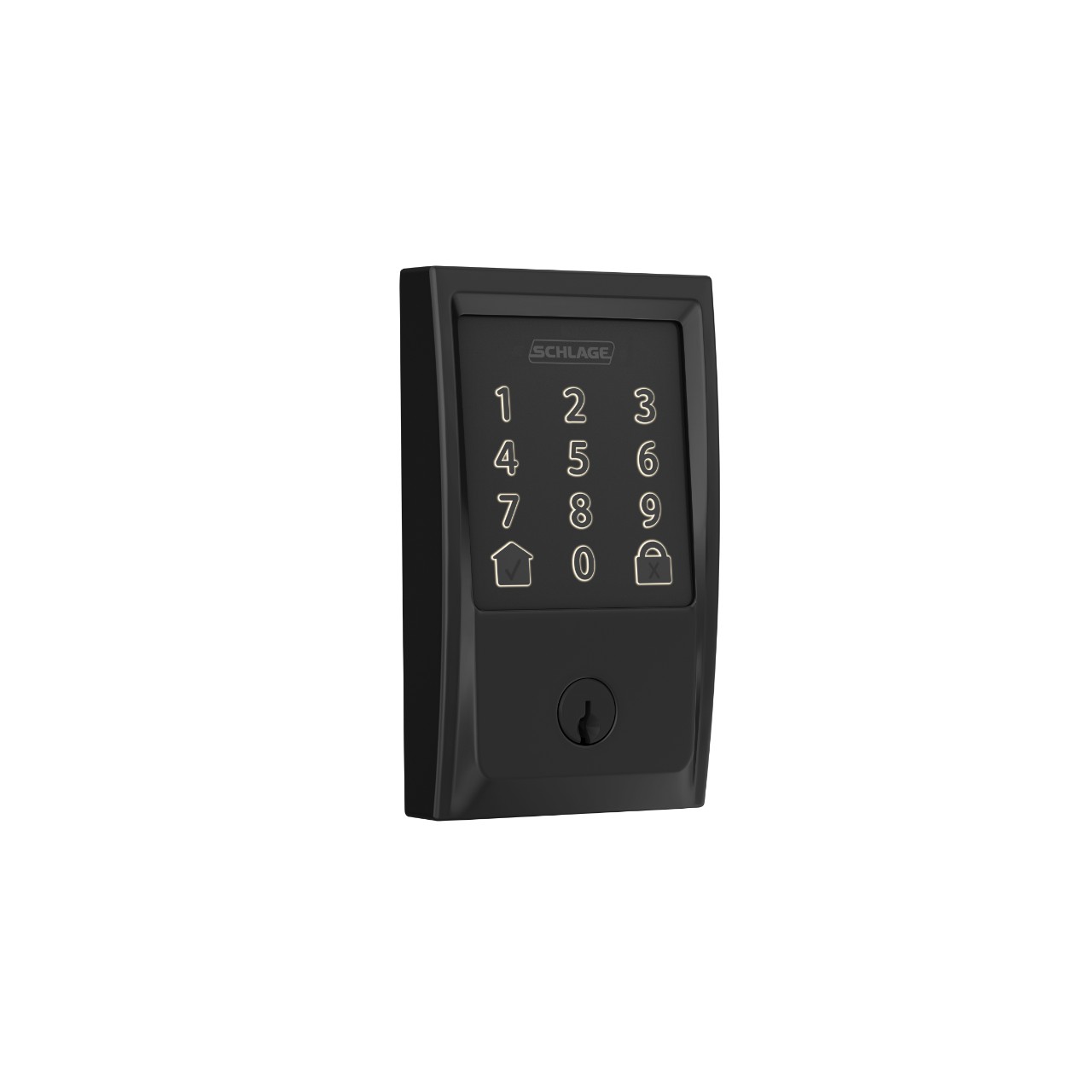
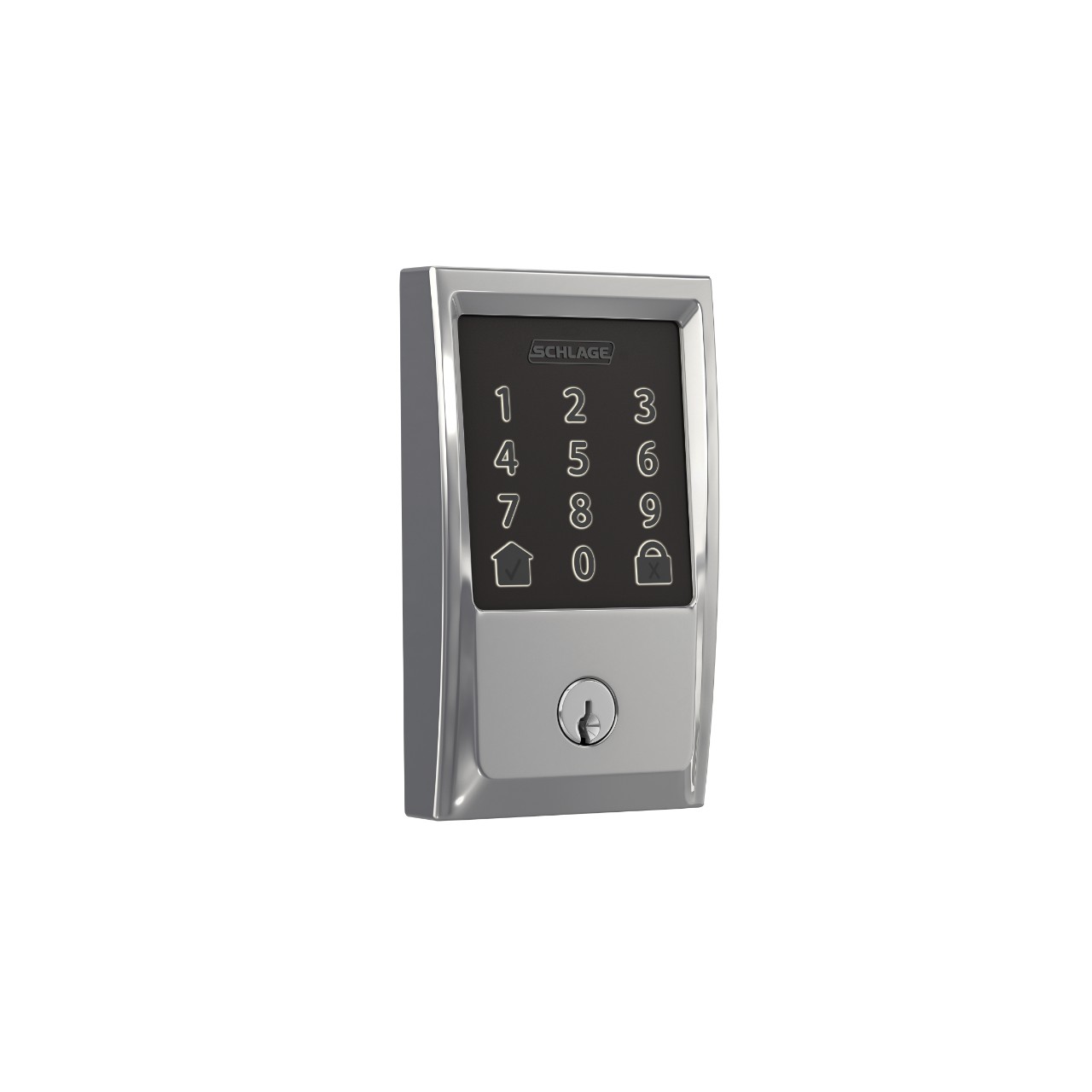
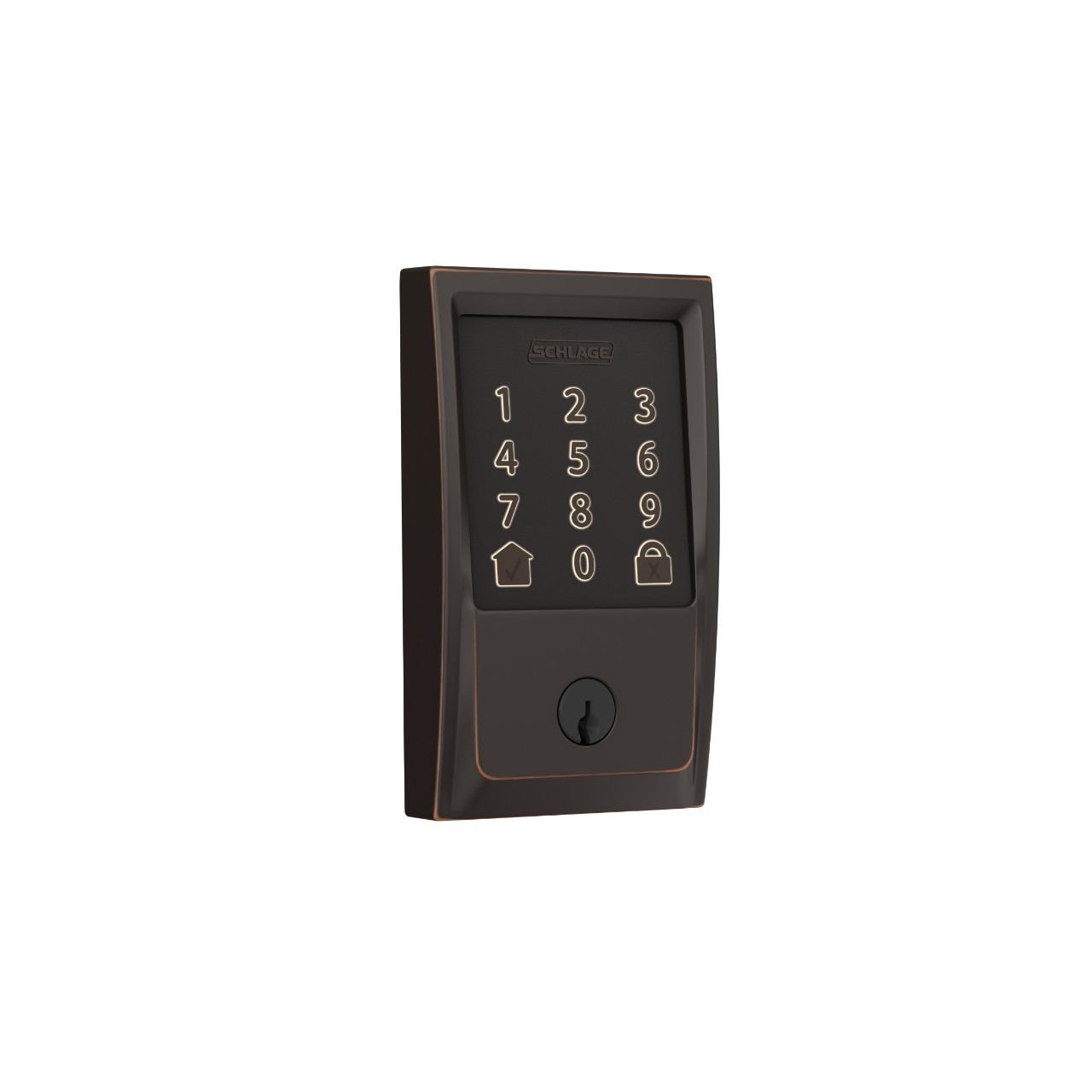
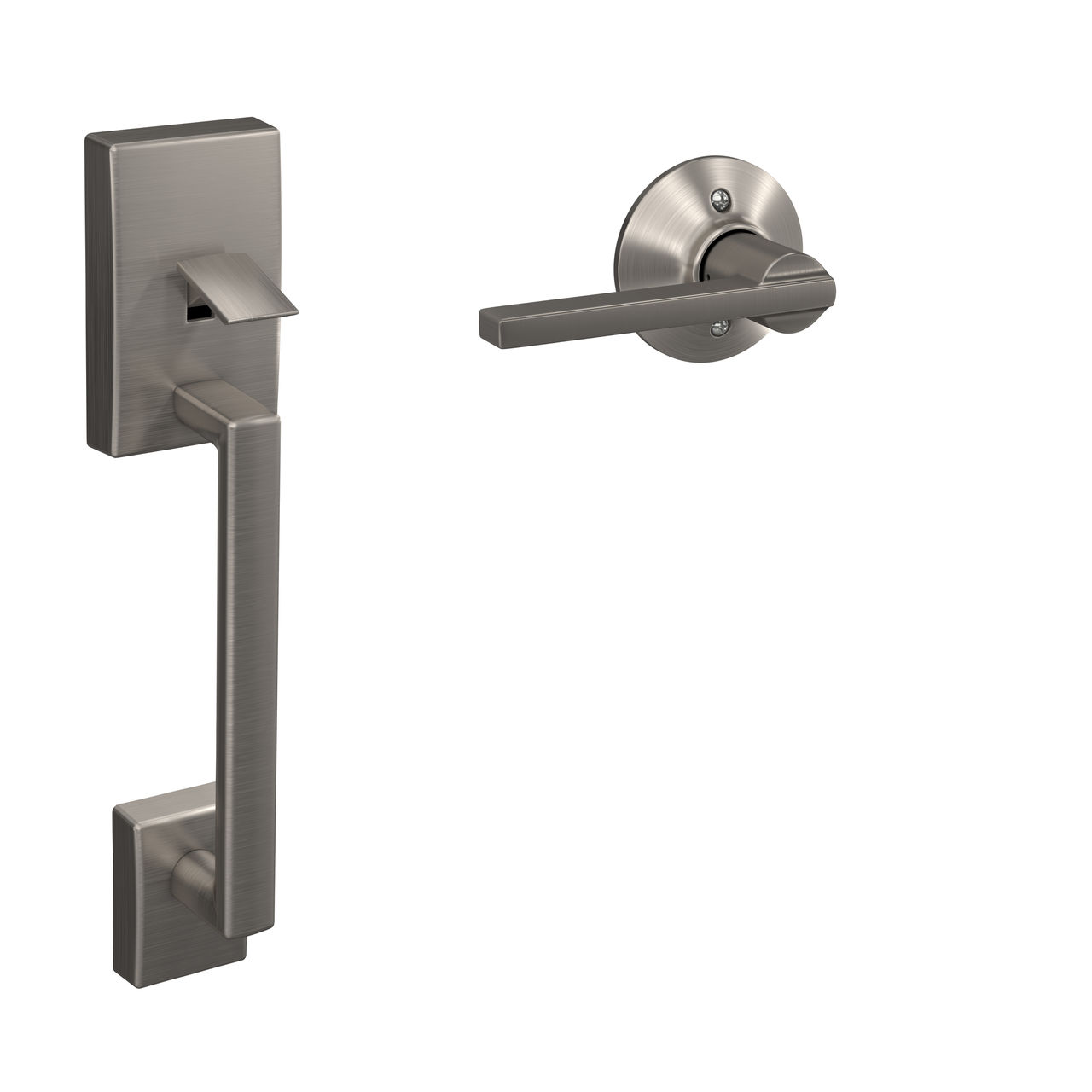
Century TRIM
From $109.00
From $109.00
Never miss a beat - get the latest product updates, style tips and DIY tutorials sent right to your inbox.

Back to top